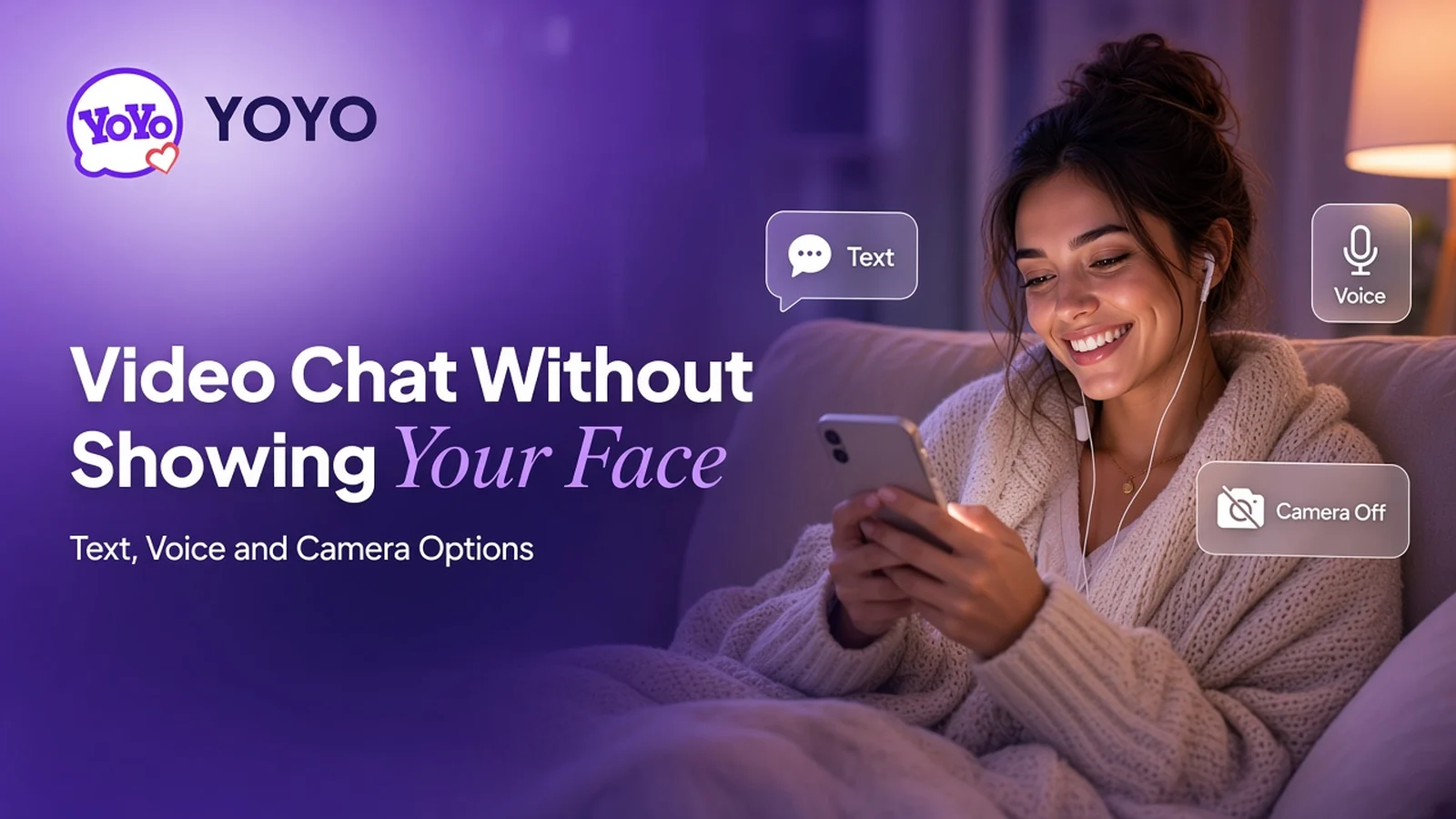
Some evenings you are happy to talk but not ready to be seen. Maybe you are tired, sitting in a shared room, or just prefer to get to know someone before turning on your camera. There is nothing unusual about choosing a different way to communicate.
The important part is finding a service that actually supports the format you want. A camera-required random video chat is not the same as a video-call service that lets both people turn their cameras off. If you do not want to appear on camera, choose an appropriate alternative rather than trying to work around a site's identity or participation rules.
Four ways to chat without appearing on camera
| Format | What you share | Best for | What to verify |
|---|---|---|---|
| Text chat | Written messages | Slow introductions, language practice | Account rules, moderation, message history |
| Voice call | Your voice | A natural conversation without video | Microphone access and room visibility |
| Video call with camera off | Usually audio and your profile display | Existing friends or consent-based calls | Whether camera-off is supported |
| Text first, video later | Messages until you agree to a call | Getting comfortable with a new acquaintance | Whether both people can choose when to switch |
A voice or text conversation is not automatically anonymous. Your account, technical information, voice, nickname or message content may still identify you. The format changes what the other person sees; it does not erase the platform's privacy policy or your responsibility to share carefully.
When turning the camera off is actually possible
Some familiar calling services provide a camera toggle. If both participants understand the format, one or both can leave the camera off and continue by voice. On a social video matching service, however, camera visibility may be part of the rules. For instance, Azar's official web quick-start documentation says that its video-chat mode does not have a camera-off control during the session.
Check the start screen before entering. If the service explicitly requires a visible face, respect that requirement and choose text or voice elsewhere. Avoid fake camera feeds, prerecorded videos and misleading identity images. These can misrepresent who is present and may violate platform rules.
There is also a practical difference between muting a camera within an application and revoking browser camera permission. The former is a supported session control, where available. The latter removes access for the site and can cause a video-required call to stop working. Use the right option for your intention.
Why text first can be a good introduction
Text makes the first few minutes less demanding. You can read what someone says, consider your answer and share a little about your interests without worrying about lighting or your appearance. A short conversation about a TV series, a favorite meal or music can tell you whether you would like to talk further.
If you later want to try video, ask directly: “Would you like to do a short video call sometime?” Accept the answer without pressure. A person who enjoys texting does not owe you a camera session. Similarly, you can say that you prefer voice or text and change your mind later if you feel comfortable.
Text is particularly useful across languages. You have time to read an unfamiliar phrase or use a translation tool. For more on that distinction, explore video chat with translation. Written-message translation should not be confused with automatic spoken-language interpretation.
Voice chat: connection without visual pressure
Voice preserves tone, laughter and pauses, which can make a conversation feel more spontaneous than messaging. It also reveals your voice and sometimes your environment. Use headphones, avoid speaking from a place where sensitive conversations can be overheard, and be mindful of personal details you mention casually.
A group voice room can be an easy way to listen before speaking if the service explicitly allows that. A one-to-one voice call can feel more personal, especially when you already know the other participant. Choose a setting where the social expectations are clear.
If someone repeatedly asks you to turn on video after you have said no, you do not have to negotiate. Restate your preference once, then leave or block the account if needed.
Protect your privacy without disappearing from the conversation
You can share an interest without sharing your address, workplace or full name. You can talk about your day without telling someone exactly where you are. If you eventually turn on a camera, check your background for private documents, screens, photographs and distinctive location details. Only show what you would be comfortable having another participant see.
Avoid sending personal images under pressure or moving to a different service just because someone insists. No chat format can guarantee that another person won't copy or record something. Use platform controls and keep your own boundaries consistent.
Where YOYO fits
YOYO's published iPhone release history describes text, audio and video interactions between mutual friends. That can be an appealing social approach if you would rather get to know someone before calling. This does not establish that the Web interface has identical controls, so check which modes are currently available through the official YOYO website.
Our talk to strangers online guide explains the broader choice between chat formats. The right option is the one both people want to use.
Frequently asked questions
Can I join a random video chat with my camera off?
It depends on the service. Some require camera visibility. Choose a supported text or audio option rather than bypassing a requirement.
Is voice chat anonymous?
Not necessarily. Your voice, account information and technical data can still be identifying.
Can I turn off browser camera permission after a call?
Yes. A trusted browser's website settings allow you to review and change camera permissions. Doing so during a video-required session may interrupt it.
Do I have to show my face to make friends online?
No. Text and voice can be good ways to meet people. If you choose video later, make that a mutual decision.
Start with the format you enjoy
Being social does not mean being on camera all the time. Choose an honest, supported chat format that suits your comfort level, and allow the conversation to develop naturally.