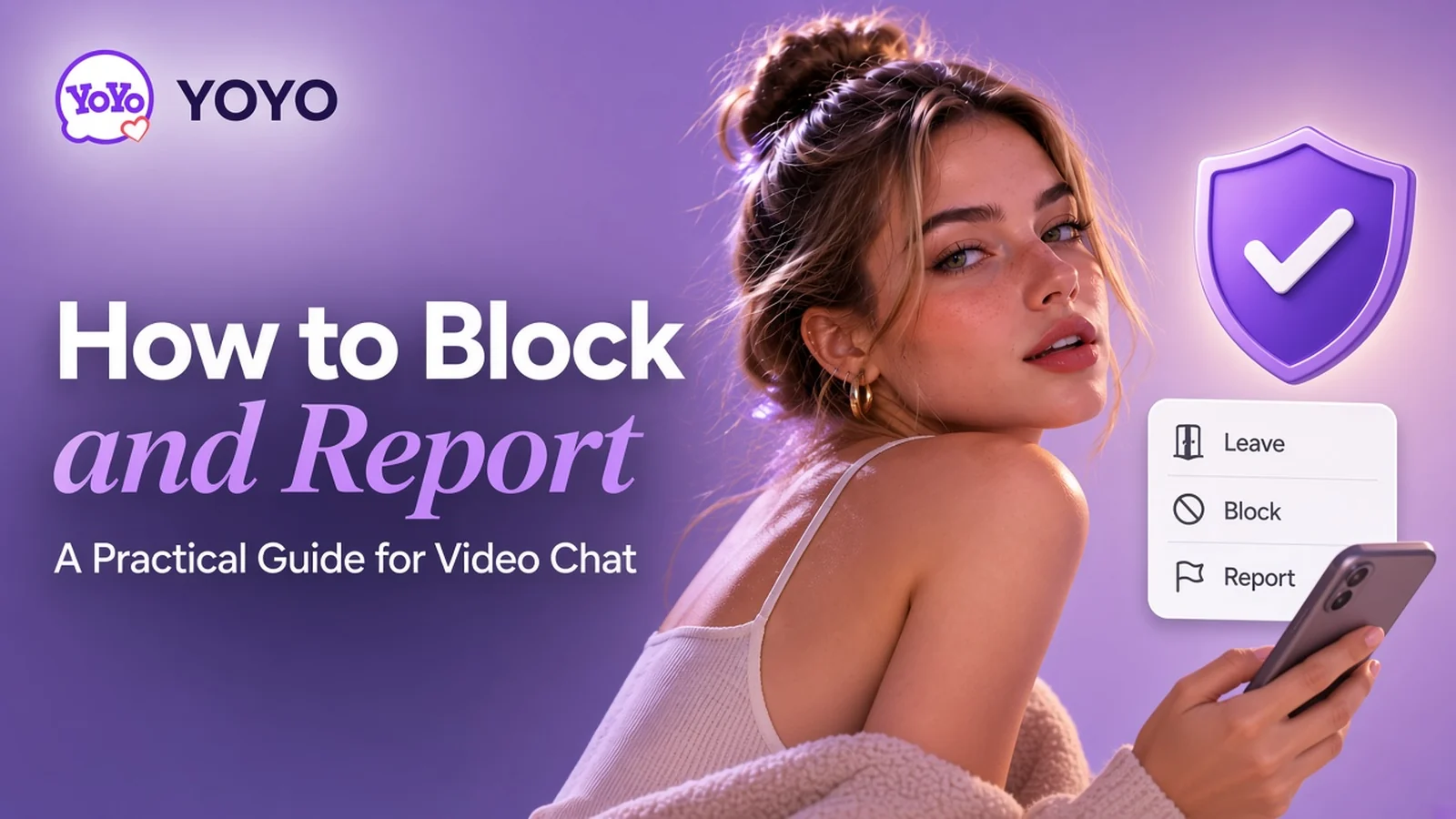
A conversation can start normally and then take a turn you did not expect. Someone ignores your boundaries, repeatedly asks for personal information, or tries to pressure you into doing something uncomfortable. You do not need to finish the call or convince them to behave differently before leaving.
Leaving, blocking and reporting serve different purposes. Leaving ends the immediate interaction. Blocking may restrict future contact, depending on the platform. Reporting sends information to the service for review. In a serious situation you may need to use more than one of these actions, or contact another appropriate authority.
Decide which action fits the situation
| Situation | First response | Possible next step |
|---|---|---|
| You are not enjoying the conversation | End the call politely or immediately | No further action is usually needed |
| Repeated unwanted messages | Stop responding and block if available | Report persistent harassment |
| Requests for money or security codes | Do not provide either; leave | Report the suspicious account |
| Threats or extortion | End contact and preserve relevant evidence safely | Report to the platform and appropriate local authorities |
| Suspected underage participation or exploitation | End the interaction | Use the platform's designated reporting process |
Not every awkward interaction is a rule violation. People can be shy, make a mistake, or decide a conversation is not for them. But if someone pressures you, harasses you or threatens you, you can end the contact without a debate. Your priority is your own safety.
How to block someone
Look for the current platform's profile, conversation menu or call controls. Many social apps place safety options in a menu near the participant's name or avatar. If the call itself does not offer a block button, exit it and look for the relevant account or chat history, where available.
Read the confirmation before choosing the action. Blocking can have different effects on incoming messages, friendship status and future matching. It is not a universal guarantee that a person cannot create another account or contact you through another service.
If someone continues contacting you elsewhere, review your privacy settings and block the separate account there as well. Avoid announcing the block if doing so would encourage further conflict. You do not owe anyone an explanation for refusing unwanted contact.
How to submit a useful report
Choose the closest accurate reporting category and describe the behavior in plain language. For example: “During a video call around 20:15 on Tuesday, this account repeatedly asked me for a verification code and threatened me when I refused.” That is more useful than an insult or a speculative claim about the person's identity.
When appropriate, keep the account identifier, date, time, relevant messages and the report reference. Use the evidence submission method provided by the service. Don't post private evidence publicly, edit it to change its meaning, or collect more sensitive material than necessary. Never save or circulate sexually exploitative material involving minors; report suspected exploitation through the appropriate official channels instead.
For further guidance, the eSafety Commissioner’s evidence collection guide explains what account information and dates can help with an abuse report. If the service asks for details, avoid giving your password or payment credentials. A legitimate reporting process does not require sharing your login code with a stranger in the chat.
What to do if someone threatens you
End the interaction and avoid making a payment or sending more images in response to pressure. Preserve relevant non-illegal messages and account information if it is safe to do so. Use platform reporting and blocking controls, and contact appropriate local law enforcement or an abuse-support service if threats continue or are serious. If you believe you are in immediate physical danger, contact local emergency services.
Threats can feel urgent by design. A demand that you act in the next five minutes is not evidence that obeying will make you safe. Ask a trusted person for help if you need support evaluating what has happened.
If you have shared a password or verification code, secure the affected account through its official recovery process, review active sessions and turn on stronger authentication where possible. If you have shared payment information or sent money, contact the financial provider promptly.
Protect future conversations without becoming suspicious of everyone
Most practical precautions are simple: keep location and financial details private, choose a background that doesn't reveal sensitive information, and decide in advance what you are comfortable discussing. If someone asks for another way to contact you, consider staying inside the platform until you feel comfortable and the decision is mutual.
YOYO's iPhone release notes describe an updated, friend-oriented social model and content moderation measures. But that does not guarantee that every user is trustworthy, and Web and app controls can differ. Check the current product interface and its official help or safety information. For broader guidance on initiating online conversations, read talk to strangers online.
Frequently asked questions
Can I report someone after ending a video chat?
Some platforms allow reporting from a profile or call history. Others offer an in-call option. Check the current controls; don't rejoin an unsafe conversation just to find a button.
Will the person know I blocked them?
That depends on the service. Avoid assuming that a block or report is completely invisible. If you are worried about retaliation, review privacy settings and seek appropriate support.
Should I report someone just because the chat was boring?
No. Leaving is enough when a conversation simply does not click. Reporting is for behavior that may violate rules or create a safety concern.
Does blocking guarantee someone cannot contact me again?
No. It can limit contact through a particular account, but cannot prevent every form of contact or impersonation.
Make room for good conversations
An enjoyable video chat should feel voluntary on both sides. Leave when you want to leave, respect others' choices and use the available tools when a boundary is crossed. If you want to explore a social conversation environment, start at the official YOYO website and familiarize yourself with its current controls before calling.