Shagle appeals to a particular kind of curiosity: you open a browser, allow your camera and start meeting people you have never spoken to before. There is little setup, no elaborate profile to maintain and a Next button when you want a fresh conversation. If that spontaneity is what you love, you need a replacement that preserves it. If it's what frustrates you, you need a different kind of experience.
Quick answer: Chatroulette, Chatrandom and Camsurf feel closest to traditional random video chat. Camgo and Joingy are better starting points if you sometimes prefer text; HOLLA suits people who want a more app-like matching experience. YOYO is the alternative to explore when you want a more social approach to meeting people rather than the classic anonymous-skip format.
Shagle compared with seven alternatives
| Platform | Best for | Browser access | Main difference from Shagle |
|---|---|---|---|
| YOYO | A conversation-led social experience | Website / Web entry | Different social flow, not equivalent random roulette |
| Chatroulette | Classic webcam roulette | Yes | Direct one-to-one encounters with its own matching rules |
| Chatrandom | Different random-chat modes | Yes | Random, local, themed and community-specific sections |
| Camsurf | Minimal browser setup | Yes | Lightweight webcam chat and typed messages |
| Camgo | Text-first users | Yes | Separate text and video entry points |
| Joingy | Anonymous text or camera | Yes | Distinct text-only and video options |
| HOLLA | Mobile-style discovery | Web entry plus app | Rapid matching and optional premium services |
No platform can guarantee that a particular country, gender or language group will be available when you connect. Check the current interface for filter eligibility and pricing.
What makes Shagle different?
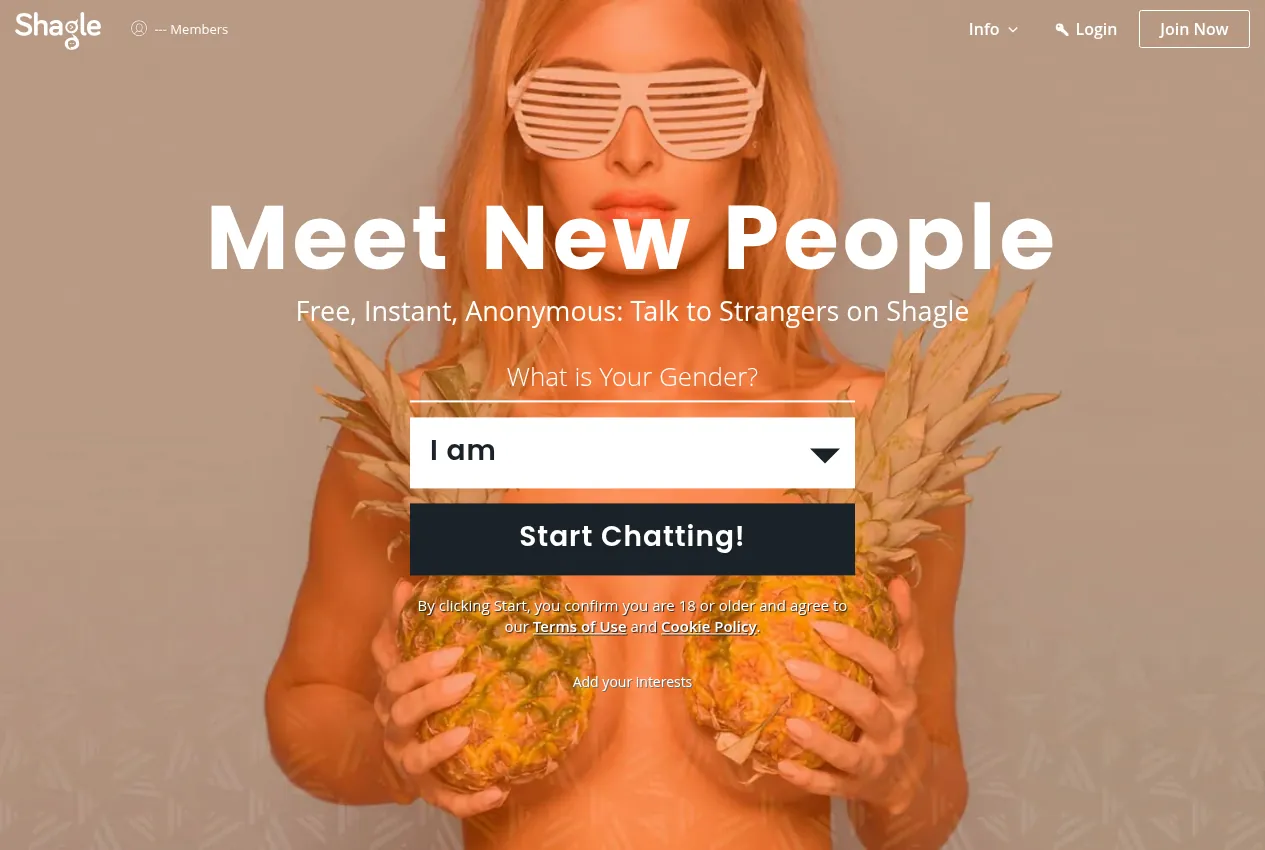
Shagle is a browser-based webcam chat service. The service describes random one-on-one calls, a simple Start/Next flow and country or gender preferences. Its official website describes country and gender preferences, while its FAQ identifies premium options for targeted filters. The safest approach is to check which preference is included in your current session and what the upgrade screen actually unlocks.
The central trade-off is between speed and control. A completely random match is quick and surprising, but you cannot guarantee an easy conversation. Filters can narrow the pool, but sometimes the right match is someone you would never have selected by country or category.
There is also a practical device issue. Shagle's browser approach is convenient on a laptop, but your comfort with its interface may change on a phone screen. If you mostly chat on mobile, comparing app-style experiences can be worthwhile even if the features are not identical.
1. YOYO — for people who want more than the next random face
YOYO belongs on the list because people searching for Shagle alternatives aren't always looking for an exact copy. Sometimes they're looking for a different way to meet people in live conversations.
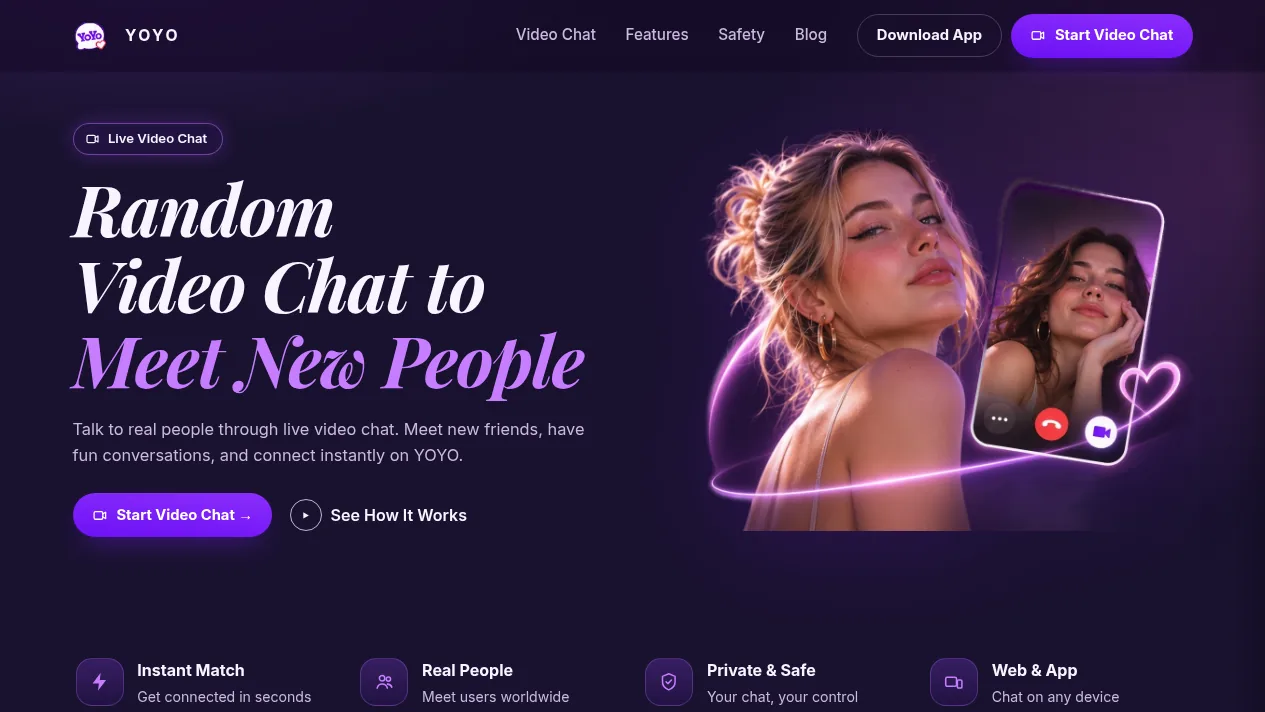
YOYO has a social/video-chat experience to explore, but it should be evaluated on its own terms. Its mobile product documentation has moved toward friend-based interaction rather than anonymous stranger matching. The Web flow can differ from the app; confirm the current options and sign-in requirements before joining. If your priority is instantly skipping from one anonymous webcam feed to the next, Shagle-style products will be a closer fit.
Best for: users who want a more deliberate or social encounter. Less suitable for: people who demand fully anonymous, no-account roulette.
Visit YOYO or read how to start on YOYO Web.
2. Chatroulette — for the classic one-click surprise
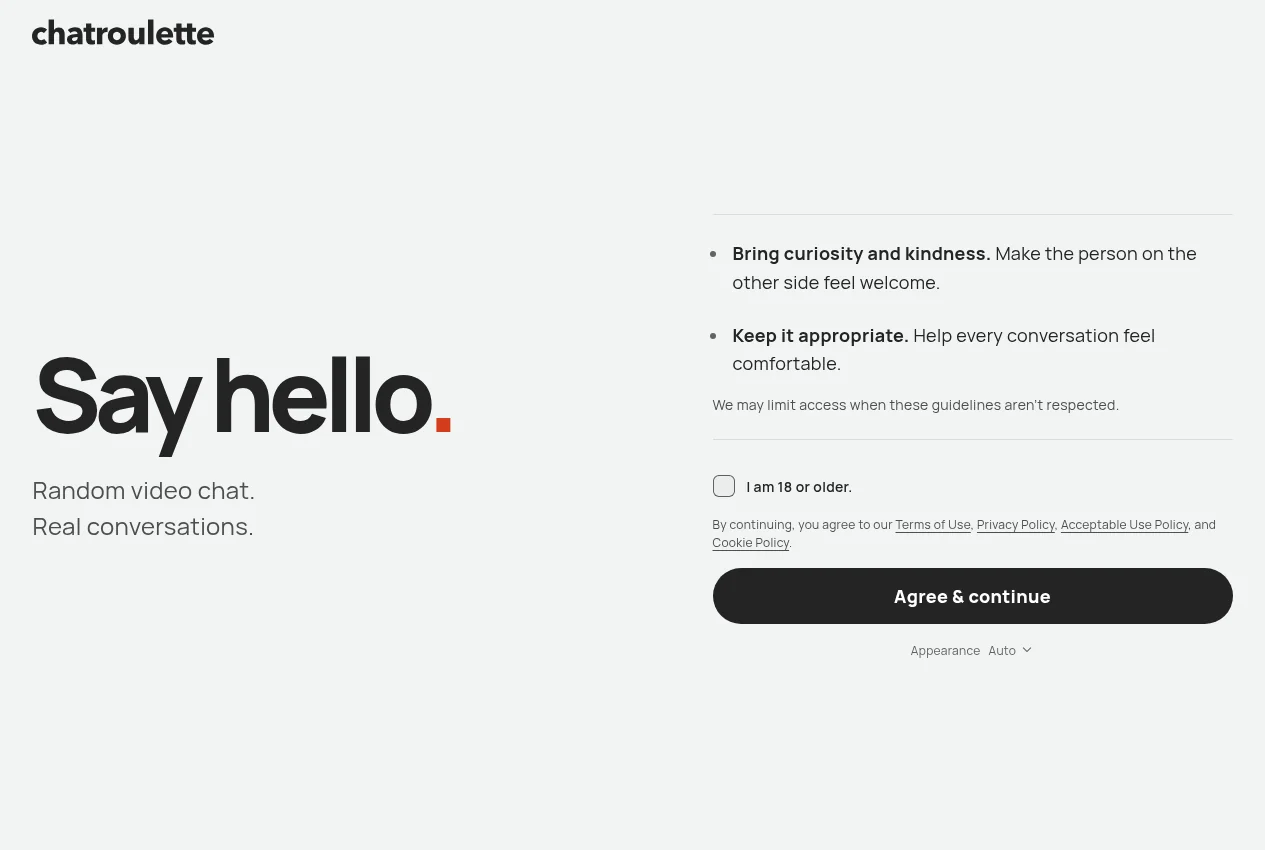
Chatroulette is the benchmark for the straightforward random-cam idea. Its official website describes free one-to-one video conversations on the Web, with mobile apps available too. It presents its own safety and moderation systems and has additional mechanics such as Quids, so the experience isn't identical to the earliest webcam-roulette sites.
For someone switching from Shagle, the appeal is familiarity: you don't need to learn a complicated new format. What changes is the platform's user community and some interface decisions. Whether that improves the experience depends on when you visit and whom you encounter.
Best for: a familiar random webcam session. Less suitable for: someone who wants rich profiles or a deliberate invitation to talk.
3. Chatrandom — for more than one random-chat room
Chatrandom offers several entry points. Its Help Center lists Random Chat, Local Chat, Gay Chat and Chat Rooms. This can be useful if you want to choose a broad type of conversation before you connect rather than immediately entering the general random queue.
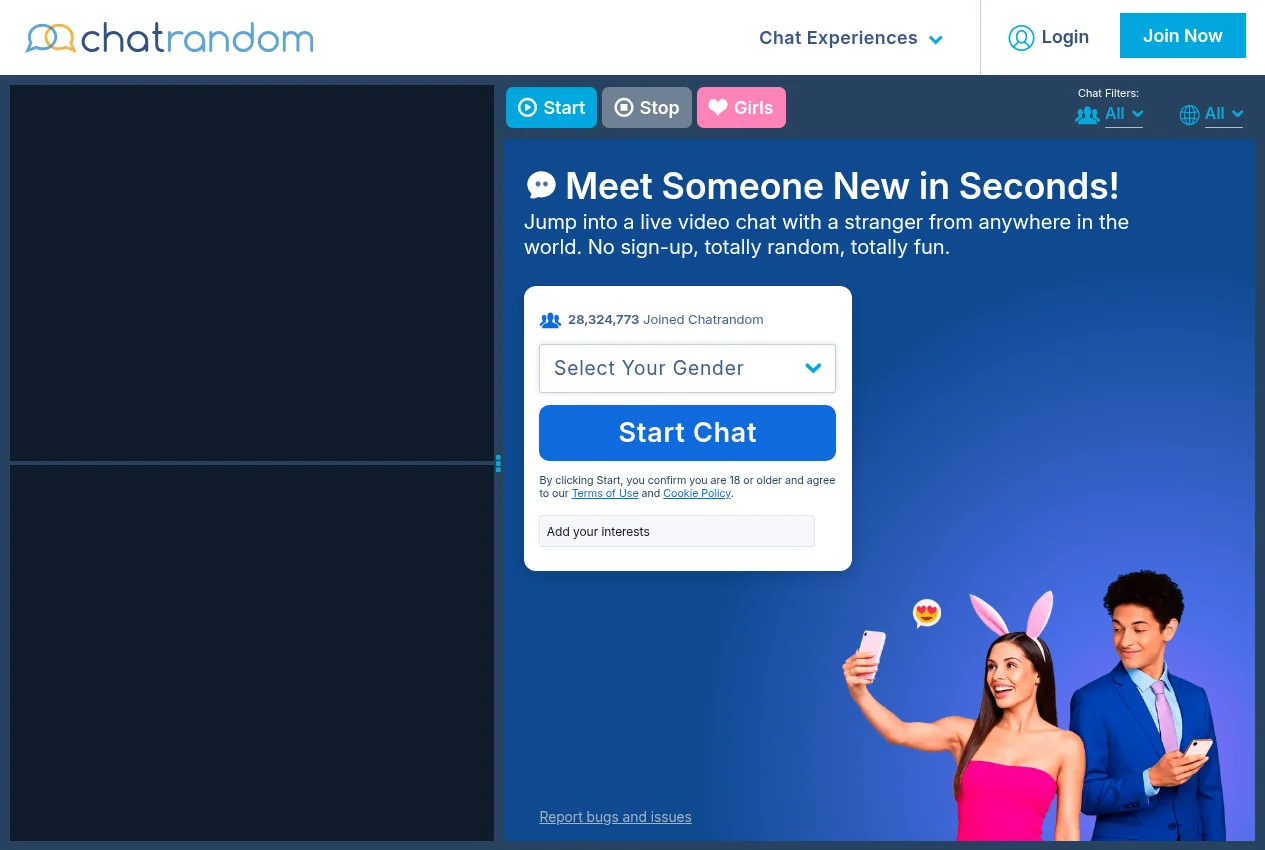
Chatrandom says basic random chat is free and most people can use it as a guest. However, gender and location filtering are associated with its Plus tier. If paid filters are what bothered you on Shagle, don't assume Chatrandom eliminates the cost. It may give you a different layout or community, but you still need to check which preferences require an upgrade.
Best for: users who like choosing among chat sections. Less suitable for: someone expecting all advanced filters to be free.
4. Camsurf — for a clean, lightweight webcam experience
Camsurf keeps the camera flow fairly simple: agree to the rules, grant permission, start a conversation and move on when ready. It also lets you type while speaking by webcam. According to its official site, it provides some location or language controls, but its emphasis remains random video chat.

This is a practical alternative when you are on a laptop and want to check whether your camera and microphone work without navigating an extensive social feed. If your reason for leaving Shagle is a lack of deeper connections, though, a second anonymous webcam product may repeat the same frustration.
Best for: quick browser use and minimal interface learning. Less suitable for: building a persistent network of contacts.
5. Camgo — for starting without a live camera
Camgo makes a clear distinction between text and video. Instead of forcing your first interaction to be a live webcam conversation, its homepage offers both paths and lets you include interests. You can choose a lower-pressure opening even if video is ultimately the reason you're there.
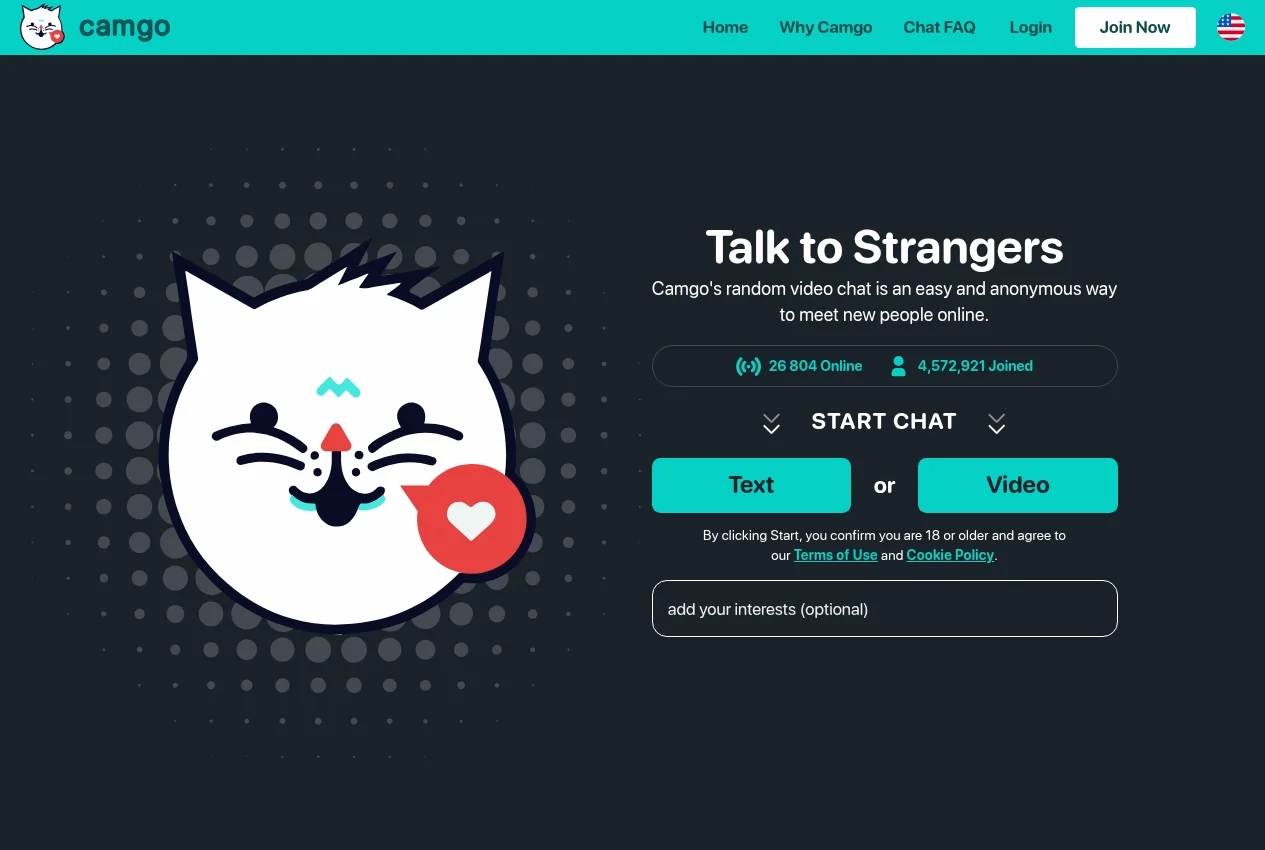
That can make a real difference when you're nervous, have a noisy background or simply prefer to think before speaking. It also changes the risk of someone instantly skipping because of a momentary awkward pause. It's not a guarantee of a longer conversation, but it gives you one more way to begin.
Best for: shy users and people who alternate between text and video. Less suitable for: those who only want an immediate camera-to-camera connection.
6. Joingy — for a separate text-only random chat
Joingy also provides distinct text-only and webcam chat options in a browser. Its homepage describes anonymous stranger matching and an interest field intended to guide conversations. It says no account is required to start, making it attractive if minimizing registration is a priority.
There is an important practical caveat with any interest field: entering “music” or “Spanish” doesn't mean the next person will want to discuss exactly that topic. Think of it as an invitation to start a conversation rather than a hard filter that guarantees compatibility.
Best for: people who value no-sign-up access and a text-only alternative. Less suitable for: users expecting a social feed or contact history after every call.
7. HOLLA — for an app-like global video experience
HOLLA places more emphasis on an energetic, mobile-style live conversation experience. Its current website describes fast one-on-one matching and a global community, while its terms explain the presence of coins and paid services. That matters for anyone coming from Shagle to avoid subscription restrictions: changing products doesn't automatically remove every paid option.

It may feel more comfortable if you spend most of your time on your phone, but compare the browser flow with the app flow before choosing. A feature promoted on one surface may work differently on another.
Best for: fast mobile-style video discovery. Less suitable for: users who want every feature available without subscriptions or virtual currency.
If you use Shagle's filters, compare them carefully
The phrase “country filter” can describe very different things. One platform may let you select the country of the next match. Another may only prioritize a region. Another may reserve exact preferences for paying users. The same distinction applies to gender preferences and language preferences.
Here's a more useful test than looking for a filter icon:
- Open the platform on the device you plan to use regularly.
- See whether the desired preference is selectable before buying anything.
- Read the text shown at the purchase step if an upgrade is offered.
- Try a conversation without the filter to compare the experience.
- Decide whether the extra control genuinely improves the result.
A country preference is most useful when you're practicing a language or want to learn about local everyday life. It doesn't automatically tell you whether someone is kind, available for a conversation or interested in your hobby.
Browser chat: a quick setup that avoids common problems
A small amount of preparation saves time. Use an updated browser, check that the camera isn't already occupied by another app and confirm the correct microphone is selected. On a phone, be ready to grant permissions to the site rather than to a standalone app. If you see a black screen, first check the permissions, then refresh the page and try another browser if needed.
Use a neutral background if you don't want strangers to see photos, work documents or personal details behind you. Don't feel obligated to move off-platform to continue a conversation. For more practical fixes, read camera and microphone troubleshooting.
Frequently asked questions
Are there Shagle alternatives without registration?
Yes. Joingy and Chatroulette describe browser-based random chatting without a mandatory account to begin. Requirements can change by feature and device, so check the current sign-in flow.
Is there a Shagle alternative with text-only chat?
Camgo and Joingy both advertise separate text-only chat options. Camsurf's typing feature works alongside its webcam experience, which is a different setup.
Which alternative is closest to Shagle?
For the classic camera-to-camera, one-stranger-at-a-time format, Chatroulette, Chatrandom and Camsurf are among the closest choices. None guarantees the same people or filters.
Is Shagle's country filter free?
Shagle describes country selection and premium filter options on its official website. Check the current interface and upgrade screen before assuming the specific country filter you want is free.
Can I use these sites on a phone?
Several services support mobile browsers, and some have dedicated apps. Compare the actual mobile experience and its permissions rather than assuming the desktop layout and app offer the same controls.
Does YOYO work exactly like Shagle?
No. YOYO is worth exploring for a different social/video-chat experience, but you should not assume anonymous skip-based matching or guest access is available in its current version.
The bottom line
If you love Shagle's sudden, unplanned conversations, Chatroulette and Camsurf are natural places to look. If the first seconds on camera make you uncomfortable, try Camgo or Joingy and start with text. If the constant Next button is precisely what you're tired of, explore YOYO and see whether its more social direction fits better.
For more context, see our guides to talking with strangers online and one-to-one video chat.