Camgo gives people something surprisingly valuable: a choice about how to start. You can talk to a stranger through text, move straight to video or use interests to nudge the conversation toward something you both enjoy. That flexibility is why people who are nervous about webcams often prefer it to platforms that open directly on a live camera.
If you're looking for an alternative, don't give up the feature that made Camgo useful in the first place. Think about whether you need text-only introductions, shared-interest matching, anonymous browser access or a more lasting social connection.
Quick answer: Joingy is worth trying for clearly separated text-only and video modes; Emerald Chat for interest-led text, video and group conversations; and Camsurf for lightweight webcam chat with an in-call text box. Chatroulette, Chatrandom and Shagle are options if you would rather prioritize immediate random video encounters. YOYO takes a different path: explore it if your priority is social connection rather than anonymous random text-to-video matching.
Camgo alternatives compared
| Platform | How you begin | Best fit | What you give up or need to check |
|---|---|---|---|
| YOYO | Current social/Web entry | Conversation-led social experience | Not a direct text-first roulette replacement |
| Joingy | Text-only or video | Anonymous browser chat | Limited ongoing social features |
| Emerald Chat | Text, video or group modes | Interest-led introductions | Account, karma and subscription rules |
| Camsurf | Webcam chat with typing | Simple video-first browser use | No equivalent separate text-first path promised |
| Chatroulette | Random video | Immediate one-on-one surprises | Less structure before a match |
| Chatrandom | Random or category-based chat | Different chat sections | Advanced filters may be premium |
| Shagle | Random webcam video | Country-oriented live discovery | Filter access and pricing depend on current offering |
This comparison focuses on how each service is used rather than declaring that every mode or filter is unlimited and free.
Why Camgo's text and video choice matters
Camgo's homepage explicitly gives visitors a text or video starting point. It also advertises interest prompts and browser support across desktop and mobile devices. Those are practical advantages, not cosmetic ones.
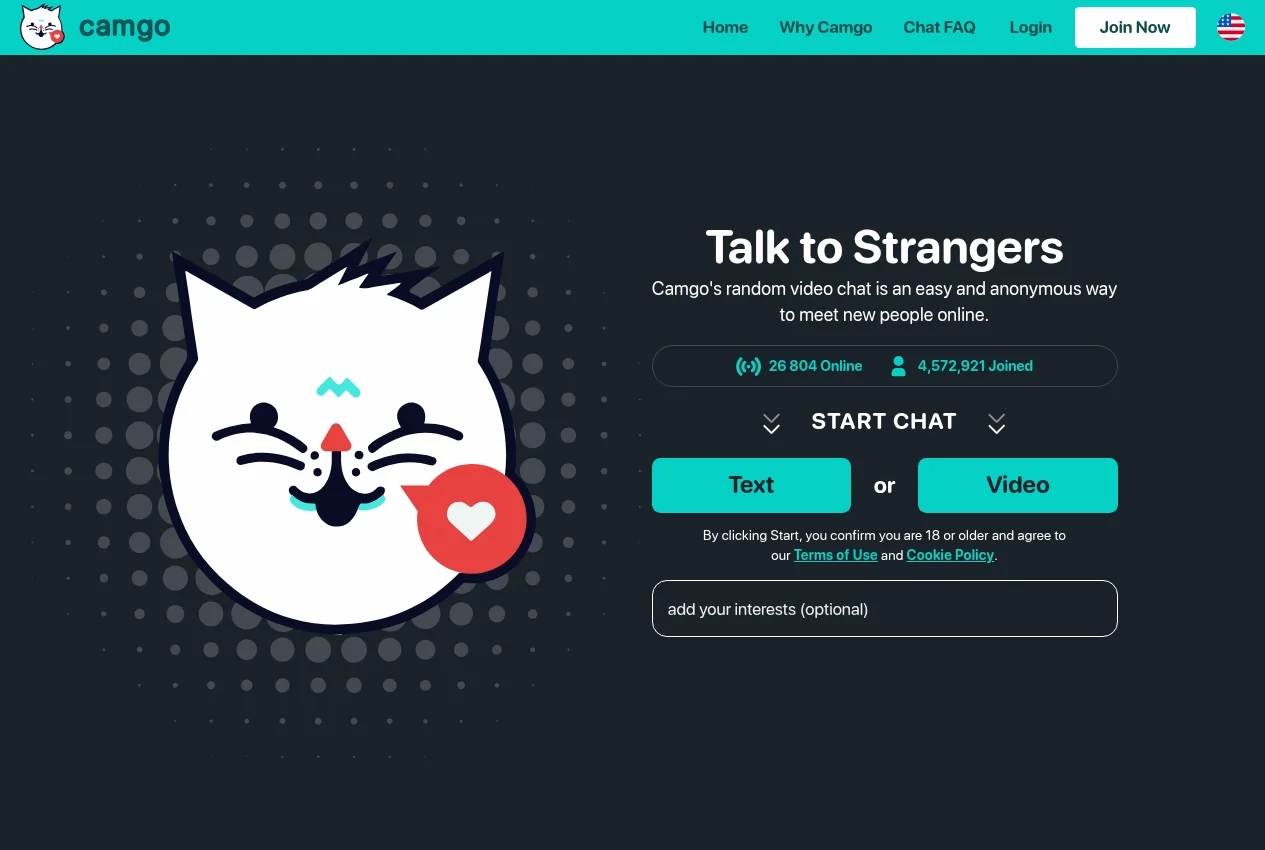
Text-only chat lets you discover whether you have something to discuss before you turn on a camera. Video gives you tone, reactions and a stronger feeling of presence. Interest prompts provide an opening, but cannot guarantee compatibility. Choosing the right entry point can be the difference between closing the tab after fifteen seconds and staying for a conversation you actually remember.
People leave Camgo for different reasons: they want a different crowd, they need a more reliable way to meet someone who shares their interests, or they no longer want to start from scratch with strangers. Those are three separate problems with three separate solutions.
1. YOYO — when you want more of a social connection
YOYO is worth considering when you've reached the point where another completely anonymous chat doesn't sound especially appealing. The aim may be to have conversations within a social environment rather than restart with a blank stranger every few minutes.
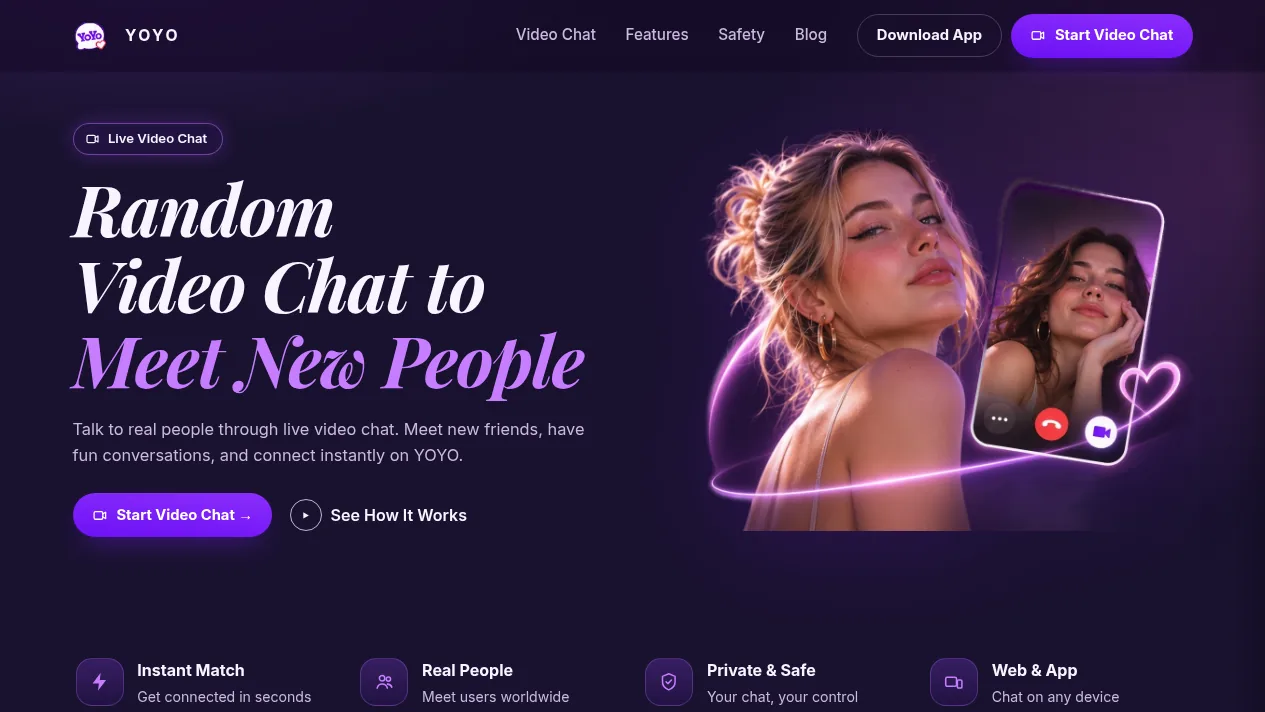
This is a different kind of product, not a promise that YOYO reproduces Camgo's text-only random queue. YOYO's mobile product notes describe friend-based social interactions rather than anonymous random chat. Check the current Web offering and sign-in rules separately to see how meeting and speaking with people works today.
Best for: people open to a slower, social direction. Not ideal for: users who specifically need anonymous text chat with a random stranger and no additional relationship context.
Explore YOYO and read the YOYO Web overview.
2. Joingy — for no-sign-up text or video roulette
Joingy is probably the most natural first test if what you like about Camgo is switching between typing and showing your face. Its homepage presents clearly separated text-only and webcam modes, describes anonymous random matching and says you can begin without registering.
That makes it useful when you just want to start a conversation without building another profile. Joingy also discusses interest prompts. Treat those prompts as conversation cues rather than a guarantee that the next person will share a particular hobby.
Here's a practical use case: you're studying a language but not confident enough to speak immediately. You could start with a few short typed questions, find your rhythm and try video another day. You don't need to force every interaction to follow the same format.
Best for: text-first users who still want random video as an option. Trade-off: the anonymous, temporary nature of the chat isn't optimized for building a persistent contact list.
3. Emerald Chat — for shared interests and more chat modes
Emerald Chat is another service to compare if the phrase “random stranger” isn't enough to make a conversation attractive. Its official materials describe one-on-one text, video and group modes, with interest tags intended to help match people around shared topics.
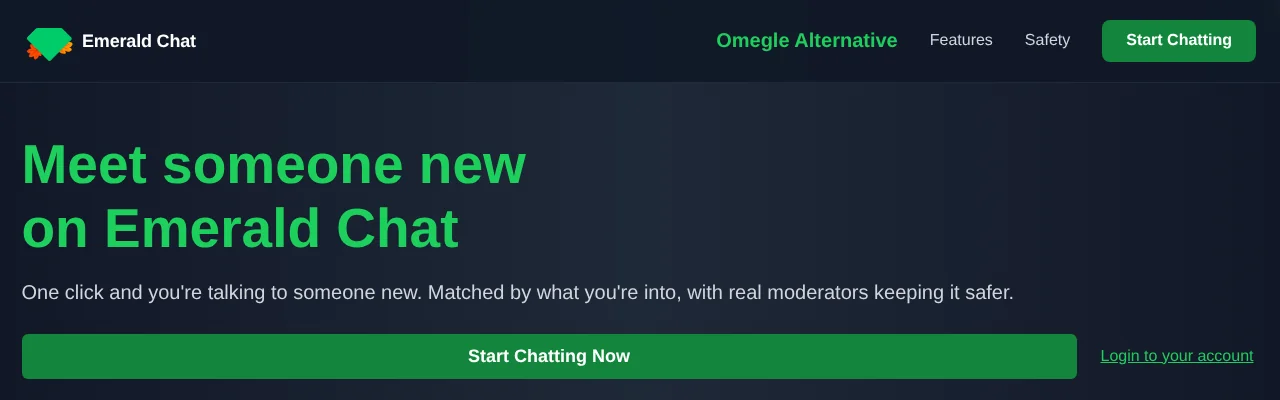
This is a more structured approach to starting a conversation. “Indie films” or “learning Italian” gives the other person a much better idea of what to discuss than an empty stranger chat. Emerald also uses account, karma and subscription features, so it is worth checking what you can do as a guest and what requires a registered or paid plan.
Interest matching still comes with a trade-off: the more specific you are, the smaller the pool may become. A slightly longer wait can be worthwhile if it means a better opening, but it is not proof of compatibility or safety.
Best for: people with specific hobbies who like text, video and group formats. Trade-off: more rules and account-related features than a bare-bones anonymous site.
4. Camsurf — for a cleaner video-first experience
Camsurf is a sensible option if Camgo's separate text mode sounded good in theory but you almost always selected video anyway. Its official website focuses on starting a random webcam conversation quickly. It also includes an in-call text box and some location or language preferences.

A text box while video is running is useful for spelling a name, typing a link you trust or clarifying a word when the audio breaks up. But that isn't the same as a dedicated text-only chat. If your main reason for choosing Camgo was avoiding the camera entirely, Camsurf is not the closest substitute.
Best for: people who know they want live webcam conversation. Trade-off: fewer ways to begin invisibly.
5. Chatroulette — for a straightforward random video call
Chatroulette is the classic browser random-video experience. Its current website advertises free one-on-one chat, camera-based matching and mobile app options. It can be a good fit if you find Camgo's interest entry and mode selection unnecessary and just want to connect to a stranger.
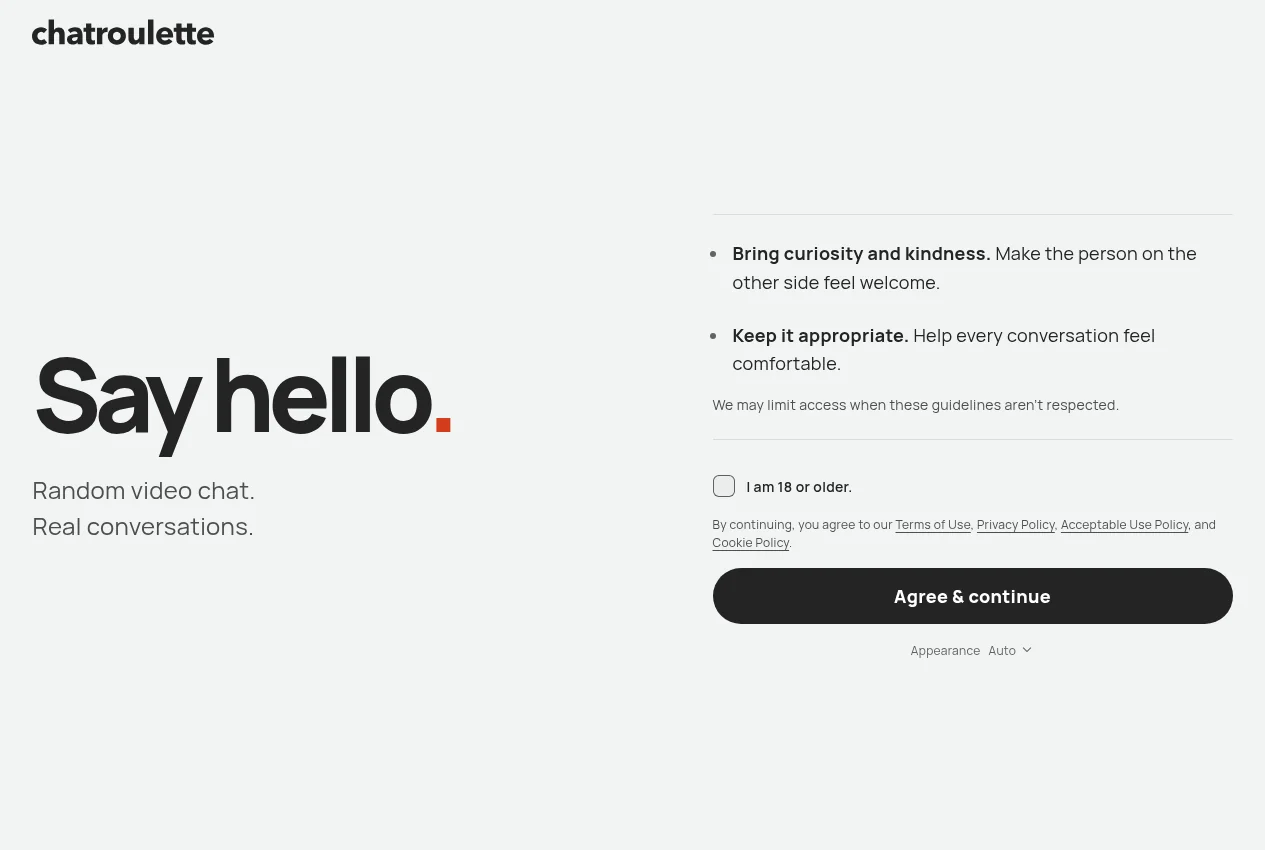
That's also the downside. You surrender some control over the conversation's direction. The person who appears may be funny, curious, distracted or simply not in the mood to chat. A service built on surprise is not the same as a service built on shared context.
Best for: spontaneous face-to-face encounters. Trade-off: not the right first pick if text-only is a must-have.
6. Chatrandom — for different kinds of webcam chat
Chatrandom has a broader menu of spaces than a single random video queue: Random Chat, Local Chat, Gay Chat and Chat Rooms appear in its official Help Center. Basic random entry is free for most users, while Plus adds filters and other perks.
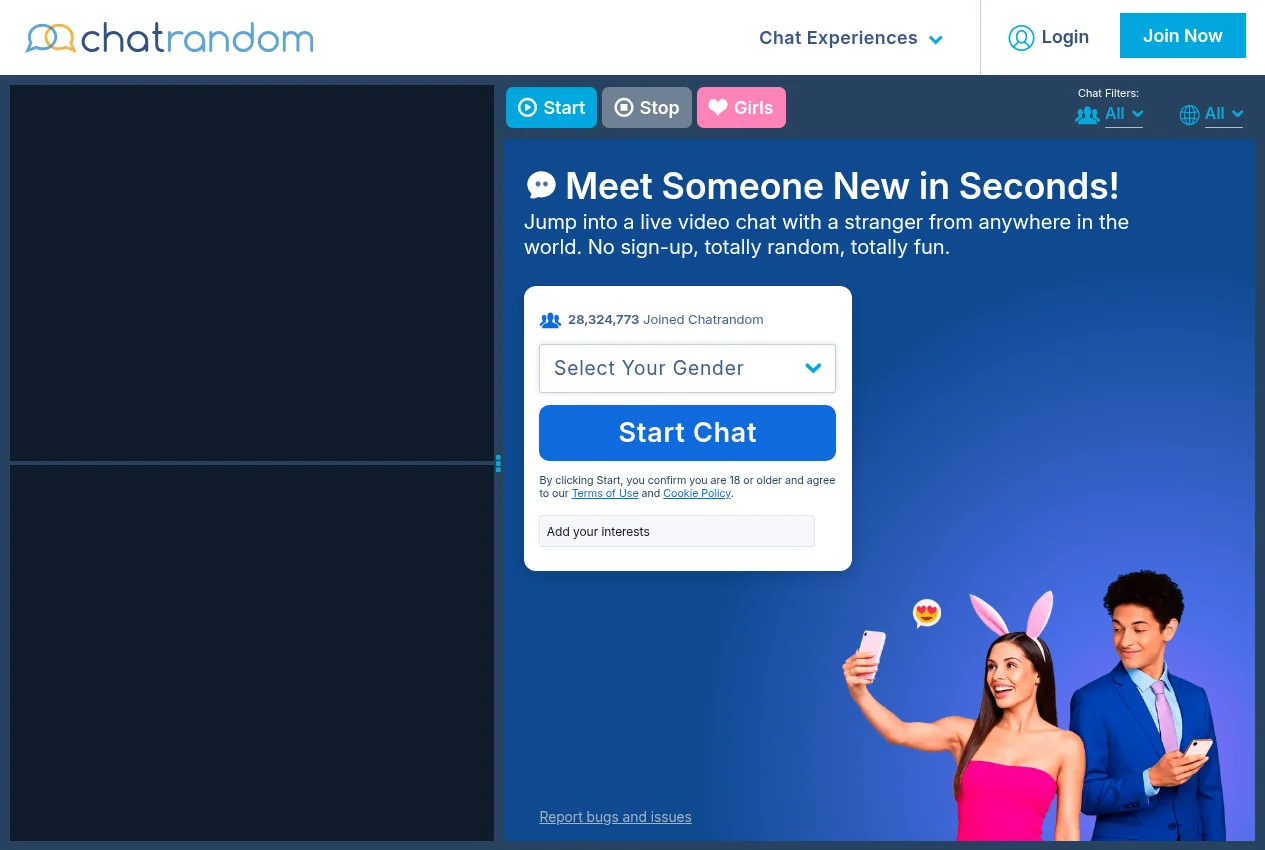
Consider it if Camgo feels too narrow and you want to choose a broad social context before chatting. The distinction between a room and a random one-on-one match matters: rooms can shift the social dynamic from an intense first conversation to something more casual. However, no category guarantees a welcoming community every time.
Best for: users who like a choice of chat environments. Trade-off: some matching controls are premium, and not every room has the same interaction style.
7. Shagle — for country-oriented webcam introductions
Shagle is built around random live webcam conversations and a quick Next option. Its official site describes country and gender preferences, with premium access applying to some targeted filters. Before selecting Shagle specifically for a free country filter, check the present interface and any upgrade conditions.
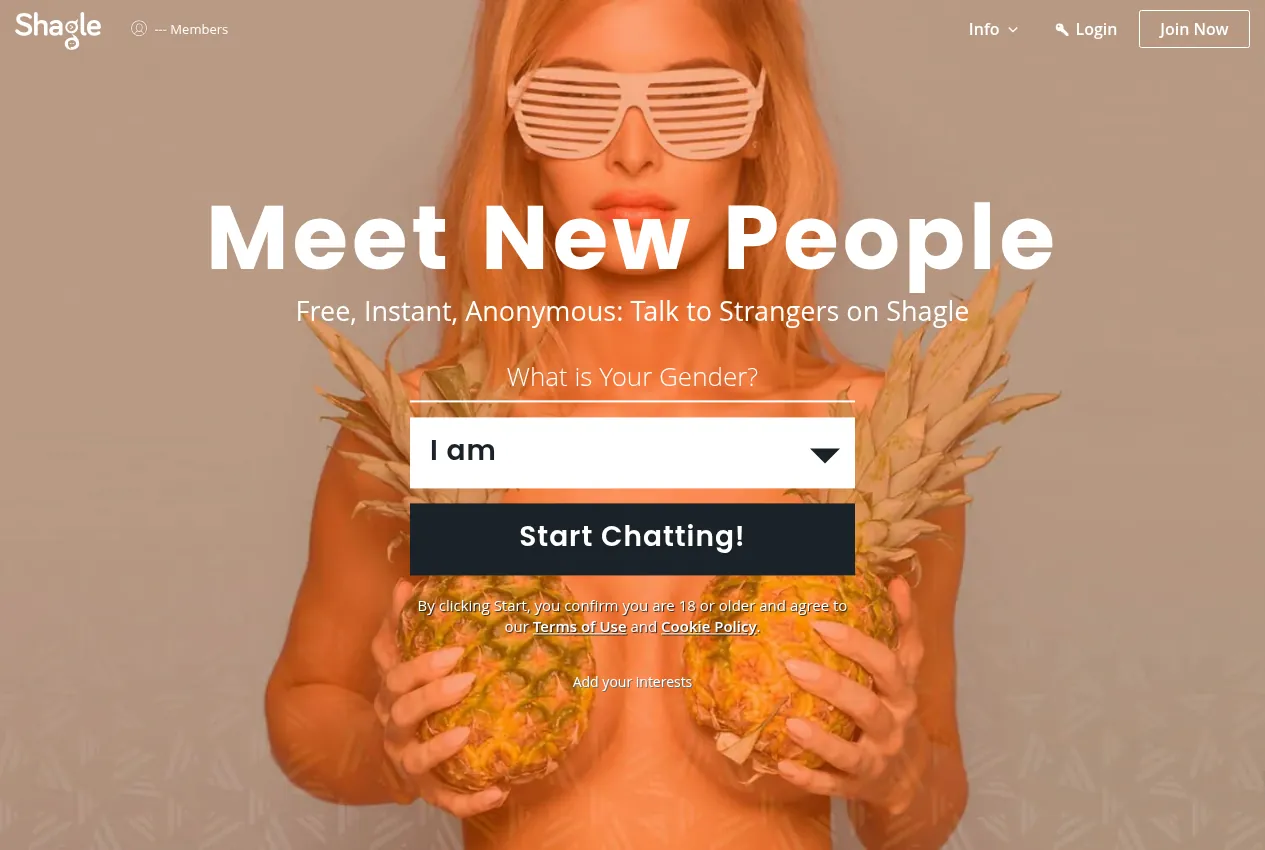
It makes most sense when you don't need Camgo's text-first mode and you want to talk to people from a particular part of the world, perhaps to hear how they speak or learn about their city. A country control can narrow where people connect from; it cannot guarantee a language, personality or interest.
Best for: users who want spontaneous video chat with geographical preferences. Trade-off: text-first introductions and predictable matches are not its primary strengths.
Choosing between text-only, text-plus-video and video-first
The differences look small on a comparison chart, but they feel very different in practice.
Text-only first: You can think before replying, communicate silently and avoid revealing your surroundings. This is useful when you're tired, shy or still practicing a new language. On the other hand, it's easier to misread sarcasm and tone.
Text alongside video: You get facial expressions and the immediacy of speech, with typing as a fallback. That helps when you need to clarify a name or a phrase. It doesn't provide the same privacy as a camera-off opening.
Video-first: The first moments are immediate. A smile and a friendly voice can make a conversation feel natural much faster than a sequence of messages. But the exposure starts right away, and you might feel pressure to perform or decide instantly whether to stay.
Your preferred mode can change with the day. Wanting text chat today doesn't mean you dislike video chat; it may simply mean you want a softer start.
Three conversation prompts that work with interests
If a platform lets you enter interests, choose a topic that can lead to a story rather than a single-word answer.
- Music: “What song have you replayed this week, and why?”
- Travel: “What's a place in your city you'd show a friend who had only one afternoon?”
- Food: “What's a dish from where you live that more people should try?”
Avoid starting by asking for a stranger's social media handle or exact location. Those details aren't necessary for finding out whether you enjoy talking. If someone tries to rush you into sharing contact information, you can end the chat.
For more examples, see our conversation starters guide.
A quick privacy check before turning on your camera
On a browser service, permission to use the camera is distinct from permission to show your personal information. You can grant the camera while keeping your real name, precise location and private accounts to yourself. Move personal documents out of view and remember that anyone on the other side of a call may be able to record what they see, even if the platform discourages it.
If you prefer text because you don't trust the situation yet, that preference is reasonable. A good chat doesn't require changing your boundaries to please a stranger. Use reporting and blocking tools whenever someone becomes inappropriate or insistent.
Frequently asked questions
Is Camgo free?
Camgo advertises free text and video entry points. The site also references a Plus offering, so check whether any specific extras you want require payment.
Which Camgo alternative has text-only chat?
Joingy and Emerald Chat explicitly offer text-chat modes, with differing account and matching rules. Camsurf offers typing alongside webcam chat, which is not the same thing.
Are there Camgo alternatives that work in a browser?
Yes. Joingy, Emerald Chat, Camsurf, Chatroulette, Chatrandom and Shagle all describe Web-based access. Device and browser compatibility can change, so test the service where you plan to use it.
Is Emerald Chat completely anonymous?
Don't assume so. Emerald Chat has account, karma and social features, and its official guidance discusses free versus premium access. Review the sign-in and privacy information before chatting.
Which alternative is best for shared interests?
Emerald Chat puts interest tags at the center of its experience, while Camgo and Joingy also discuss interest prompts. Interest labels improve the opening but can't guarantee the right partner.
Is YOYO the same kind of random chat as Camgo?
No. YOYO's current social/video experience should be evaluated separately, particularly because its mobile rules differ from classic anonymous random chat. Use it if you want a different way to connect, not an exact copy.
The bottom line
Camgo remains appealing because you can decide how visible you want to be at the start. For the closest alternative to its text-or-video choice, try Joingy. For more structured interest-based introductions, look at Emerald Chat. For immediate webcam encounters, Camsurf or Chatroulette may fit. And when the part you want to change is not the chat mode but the quality of the connection, explore YOYO to see whether a more social approach suits you.
If you want to learn what browser-based calling requires before trying a new service, read video chat without signing up and video chat on iPhone in a browser.