
Camsurf alternatives are not all copies of Camsurf. Some recreate its fast camera-on, random-match flow. Others offer a different starting point: choose a person to call, explore a social space, or use a mobile-first app. If the current experience feels repetitive, that distinction is worth more than a long list of nearly identical websites.
The original Camsurf website at camsurf.com describes straightforward random video chat with browser access, text alongside webcam conversations, and location or language options. It is easy to see the appeal. The main trade-off is that random matching gives you limited control over who appears next. You may want to keep that surprise—or remove some of it.

Camsurf alternatives compared
| Service | Start style | Good fit for | Watch for |
|---|---|---|---|
| YOYO | Social video-chat Web experience | Trying a different pace | Available Web modes and requirements |
| Kiss Live Chat | Browse then start 1v1 | Choosing a conversation | Coin use after the free starting period |
| LiveGo | Explore a social Web environment | More interactive atmosphere | Web-specific features and access |
| Chatroulette | Random video pairing | Classic roulette feeling | Moderation and optional currency |
| Monkey | Random match and interest discovery | Quick spontaneous chat | Login and available modes |
| OmeTV | Random video conversations | Familiar stranger-chat layout | Login and region-dependent features |
| Azar | International discovery | Meeting people across countries | App-focused features and availability |
For the simplest random call: Chatroulette or OmeTV
These are useful when you like the core idea of Camsurf and merely want to compare the surroundings. Chatroulette explicitly presents itself as random video chat and describes camera/microphone access from a modern browser. OmeTV offers another random-chat format that many users know from video-chat comparisons.
If you are reviewing the experience, do not just count how quickly the first match happens. Notice whether you can leave a call easily, how the interface explains optional features, and whether the person you met is someone you could reconnect with. These details shape the experience far more than the welcome screen.
For more choice: Kiss Live Chat
The key change with Kiss is being able to browse people before you begin the conversation. Its Web site describes 1-on-1 video calls and language/country discovery controls. Its published offer says that each new call starts with 60 free seconds; using coins becomes relevant if you decide to keep talking longer. That is an important difference from a generic “unlimited free chat” claim.
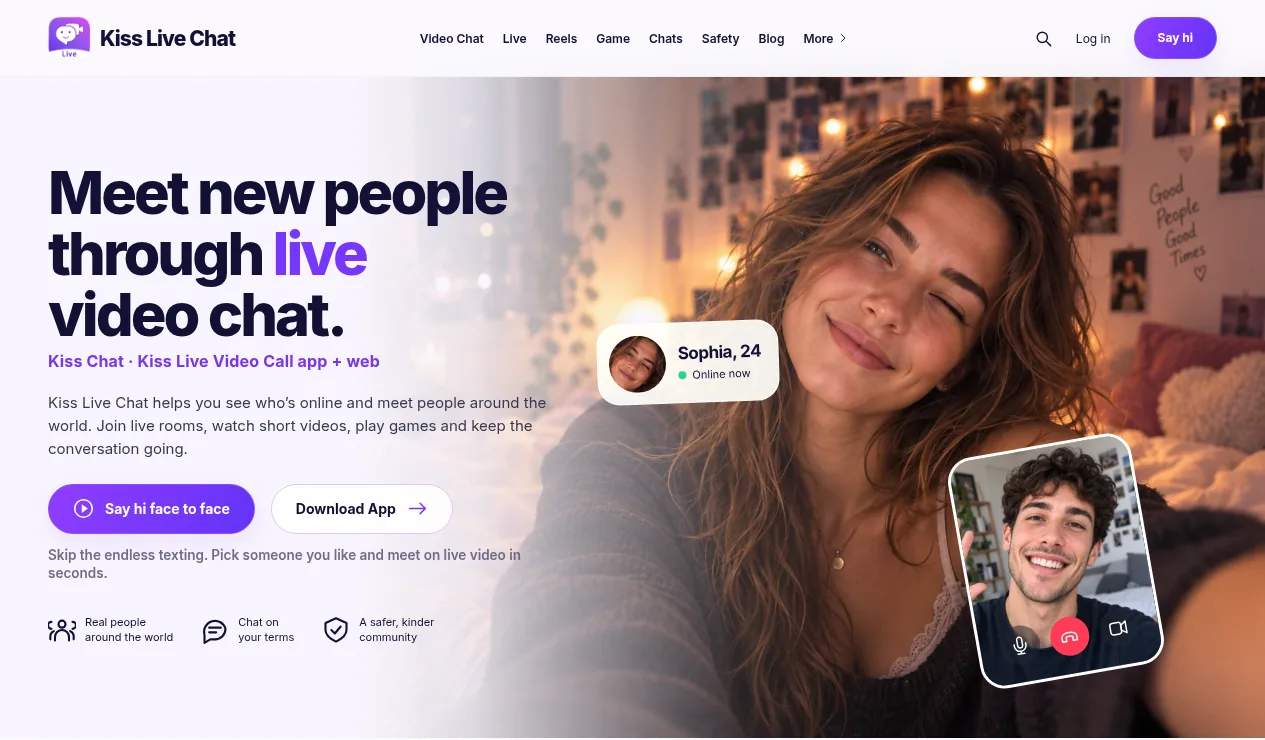
This suits someone who would rather spend a few seconds choosing than repeatedly pressing Next. Try Kiss Web.
For a different social format: YOYO and LiveGo
Maybe you do not actually want more random matches. Maybe you want a change of atmosphere. YOYO Web offers another way to explore social video chat, without making your next step an app download by default. Explore YOYO Web and see which conversation options are currently visible.
LiveGo Web is another option if you enjoy a more social, interactive environment rather than only isolated matches. Open the current Web experience and choose from what is actually offered there. Explore LiveGo Web.
For a fast, social match: Monkey
Monkey is worth comparing if you like quick introductions and interest-based discovery. It describes random chat, social prompts and both browser and Android access on its official site. It may feel energetic, but that does not automatically make it a better fit for someone who wants slow conversations.

For longer conversations, your decision is often less about match speed and more about whether you can keep the interaction going once the initial surprise wears off. That is also why our conversation starters guide may be more useful than downloading a fifth app.
Three things to check before switching
First, the actual website. Search results can include similarly named domains, so open the official platform address rather than assuming a lookalike is the original service. Second, the price at the point of use. “Free to join” and “free for every minute” are different. Third, the device you intend to use. A service may list features on Android or iOS that are absent from its browser version.
If you are switching because your webcam is failing, changing services may not fix a browser permission problem. Start with our camera and microphone troubleshooting guide before doing a full platform search.
FAQ
Which alternative feels most like Camsurf?
Chatroulette and OmeTV are natural comparisons if you want random matching. Monkey is another fast-paced option with an interest-oriented layer.
Which option lets me choose someone before calling?
Kiss is a clearer fit for that specific preference than a purely roulette-style site.
Can I try Camsurf alternatives without downloading an app?
Several have browser experiences, including YOYO, Kiss, LiveGo and Chatroulette. Verify the current start flow on your device.
Is every Camsurf alternative free?
No. Access, call duration and extras may be priced differently. Compare what you receive before buying anything.
Why do some Camsurf sites have different domains?
Names can be reused by unrelated services. The original Camsurf site referenced here is camsurf.com; similarly named sites should be evaluated as separate services.
A different way to meet someone
You do not have to give up spontaneous chats to try something new. Decide whether you want a new random site, more choice before a call, or a more social setting. Then take a short test drive. Start by exploring YOYO on the Web or read our video chat sites comparison.