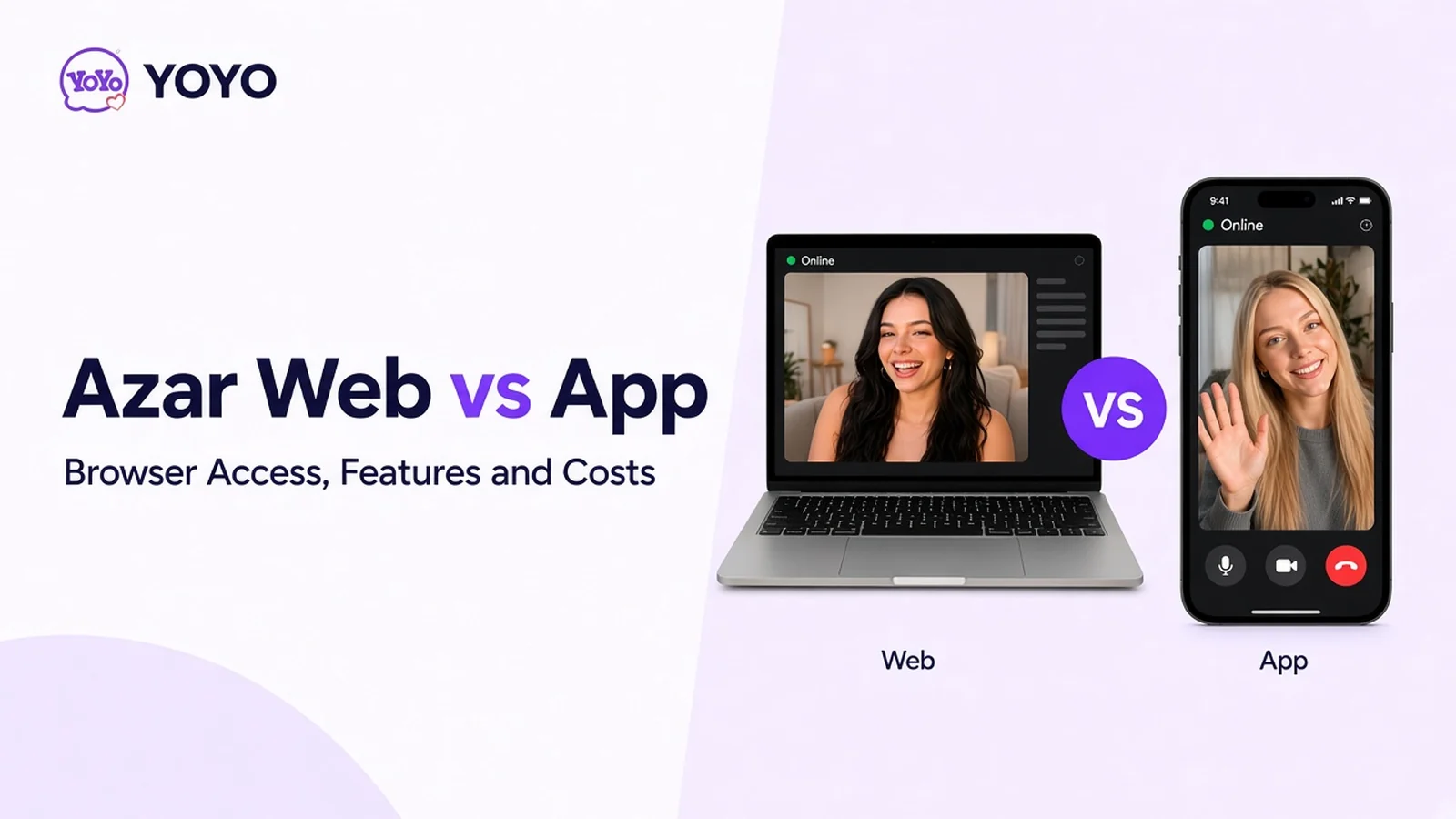
Azar is no longer a product you need to think about only in terms of a phone app. The service has a browser version with its own sign-in, video-chat controls, and payment guidance. If you already have an account, or you're deciding whether to install anything, that makes a practical difference: the computer on your desk may be a perfectly good place to meet someone new.
The short answer: Azar Web is worth trying for a larger screen, keyboard input and less installation friction. The mobile route is convenient if the supported app is available for your device. Neither route automatically makes all matching preferences free, and the features you care about should be verified on the exact version you intend to use.
Compare what actually matters
| Feature | Azar Web | Mobile app |
|---|---|---|
| Where you start | Official website in a supported browser | Official app listing, where available |
| Sign-in | Existing credentials or new account prompts | App login and account setup |
| Calling | Browser-based video discovery | Mobile video discovery |
| Match preferences | Gems and current filter options | Check local plans and preferences |
| Audio and camera | Computer/browser permission settings | Mobile app permissions |
| Daily use | Desk, large display, physical keyboard | Portable device and notifications |
This is a feature-level comparison, not a hands-on performance benchmark. The current availability of native apps can change with store policies, countries and device versions.
Getting started on Azar Web
Open Azar's official website and follow the sign-in flow. The provider's web quick-start guide says existing users may use their mobile credentials and new users may need to establish a profile. Grant camera and microphone access only when you are ready for video chat. Set up your view so that no private documents or people who haven't agreed to be on camera appear behind you.
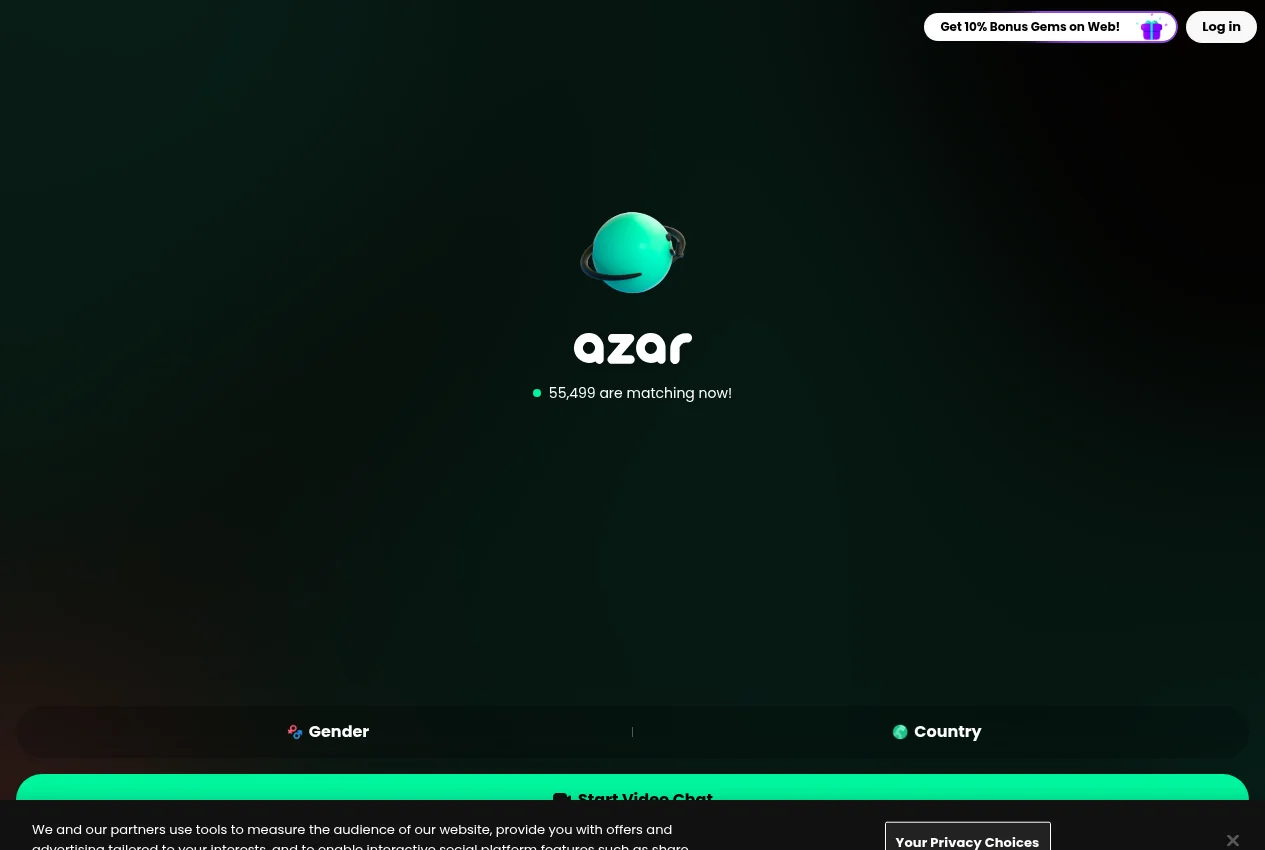
Azar's web documentation describes starting a match from its video-chat section and using the interface or Escape to end the call. It also discusses effects and reporting controls. One especially useful detail: its quick-start guide says the web video-chat experience does not offer a camera-off switch during the call. If you are uncomfortable appearing on camera, don't enter a camera-required session expecting to turn it off later. Choose a supported text or voice format instead.
Is the Azar app still the same option on every phone?
No. Native app distribution and browser access are separate questions. An app may be available in one store or region while a web version remains accessible elsewhere. Check the links from the official provider for your device. Do not use a third-party download site to install an app that isn't available through a legitimate channel.
If the app is already installed, confirm whether your version remains supported. If you cannot find the app, try the official web interface rather than assuming the service itself has closed. A web session can be useful even to someone who primarily uses a phone: you can discover whether the product is accessible before deciding whether it belongs in your daily routine.
Gems, filters and the real cost of a call
Azar's help center describes Gems as a virtual currency and explains purchasing them on the website. Its public FAQ also identifies gender and regional preferences as examples of features accessed using Gems. That is more useful than treating the word “free” as a single price for every activity.
Before buying anything, separate these three questions:
- Can you enter the service and try its ordinary experience without paying?
- Does the exact preference you want require currency, an upgrade or another account entitlement?
- What does the purchase actually buy, and can it be used on the version you are signed into?
For example, imagine a currency bundle costing $8 and containing 400 units. If a hypothetical preference costs 20 units per use, the bundle buys at most 20 uses, or $0.40 each before tax. Those numbers are an illustration, not Azar's prices. Read the displayed balance, deduction and terms for the real transaction.
Don't assume an app subscription and a web currency bundle are interchangeable. Check the account identity, billing merchant, refund terms and renewal status before comparing the offers. If a feature doesn't clearly disclose its cost, skip it until you understand the terms.
Translation: check the format, not just the label
International chat can be attractive because it exposes you to people outside your everyday circle. But translation can mean written-message translation, live captions, or another way of interpreting speech. A text translator won't automatically make every spoken conversation understandable.
Azar maintains separate help topics about translation and live translation. Open the controls available in your session to see which format applies. Test with a simple greeting or a sentence about music before using translation for anything important. Verify meaning with the other person rather than treating translated words as perfectly accurate.
If language exchange is the main goal, a good conversation matters more than a large number of matches. Ask what language someone wants to use and respect the answer. You can find a broader explanation in our video chat with translation guide.
When a different social model makes more sense
Some people enjoy immediate introductions, while others want a place to get to know a friend over time. YOYO is worth exploring for the second preference. Its iPhone release notes describe a move to mutual-friend communication; confirm the separate Web experience before signing in. If you are comparing international options, start with Azar alternatives and check the YOYO Web guide.
Frequently asked questions
Can I use Azar without downloading it?
Yes. Azar publishes a dedicated browser guide. You still need to follow the current account, permission and eligibility requirements.
Is Azar Web free?
Azar advertises access to free features, but its own documentation explains that certain matching preferences can use Gems. Verify your local offer before paying.
Does Azar Web have exactly the same features as the app?
Don't assume full parity. The web documentation describes its own controls and billing flow, and app features and availability can change.
Is a computer better for international video chat?
A bigger screen and keyboard can make reading, typing and long conversations more comfortable. A phone may be more convenient for short, casual sessions.
Pick the experience, not the device label
Try a normal conversation first. Decide whether you like the matching style, then whether you need any paid preference. If you'd rather make longer-lasting social connections, explore YOYO and compare the actual experience for yourself.