Looking for something like Monkey, but with a different way to meet people? Start by choosing what you want to change: quick random matches, the chance to pick someone before a call, or a more social space where a conversation can last beyond the first hello. Those are three different experiences, and the best Monkey alternative depends on which one you actually want.
Monkey is known for spontaneous live video conversations. Its own website describes random matching, interest-based discovery and browser access. That makes it a useful reference point, but it does not mean every competing platform works the same way. Some services are built around pressing Next; others give you more room to look around first. If you are tired of the same loop, changing the type of chat may matter more than changing the logo.

Quick comparison: which Monkey alternative fits you?
| Option | Best reason to try it | Conversation style | What to check first |
|---|---|---|---|
| YOYO | A different social video-chat experience | Explore the available Web experience | Current Web entry, guest prompts and any paid features |
| Kiss Live Chat | A more deliberate 1-on-1 call | Browse people and choose a conversation | Free starting allowance and coins after it |
| LiveGo | A livelier, social-first experience | Explore available Web rooms and interactions | Which activities are supported in your browser |
| Chatroulette | Classic random video roulette | Random 1-on-1 matching | Camera access, moderation and optional extras |
| Camsurf | Minimal setup for a random call | Browser-first random video | Country/language options on your device |
| OmeTV | Familiar stranger-video-chat format | Random matches | Login requirements and controls by device |
| Azar | International discovery with an app-oriented feel | Social discovery and video chat | App versus browser availability |
These are different styles, not a claim that all seven provide the same feature set or pricing. For a fuller explanation of browser-first choices, see our guide to video chat on PC and 1v1 video chat guide.
Can you use Monkey without downloading the app?
Monkey advertises browser access for iPhone and desktop users as well as an Android app. Its official FAQ also describes a social login step, so a browser experience does not automatically mean an account-free experience. If you are looking for an alternative because you do not want to install another app, compare the actual Web entry flow, permission prompts and sign-in requirements before deciding.
| What you want | What to compare |
|---|---|
| Start from a laptop | Supported browser, account requirements and camera access |
| Try a new app without paying | Free entry versus optional upgrades |
| Talk again after a good match | Friend and messaging controls |
| Avoid anonymous roulette | Social or friend-led conversation options |
Read our Monkey App Online guide for the browser setup. For a different social format, explore YOYO and check the current Web entry. YOYO's iPhone release history describes mutual-friend communication; the Web flow may differ.
1. YOYO: when you want more than another random skip button
A common complaint about roulette-style apps is that it is easy to meet someone but harder to find a conversation worth continuing. YOYO is worth exploring if you would rather look at a social video-chat experience than another exact Monkey copy. Open the current YOYO Web entry, see what discovery and conversation options are available, and choose the one that suits your mood.
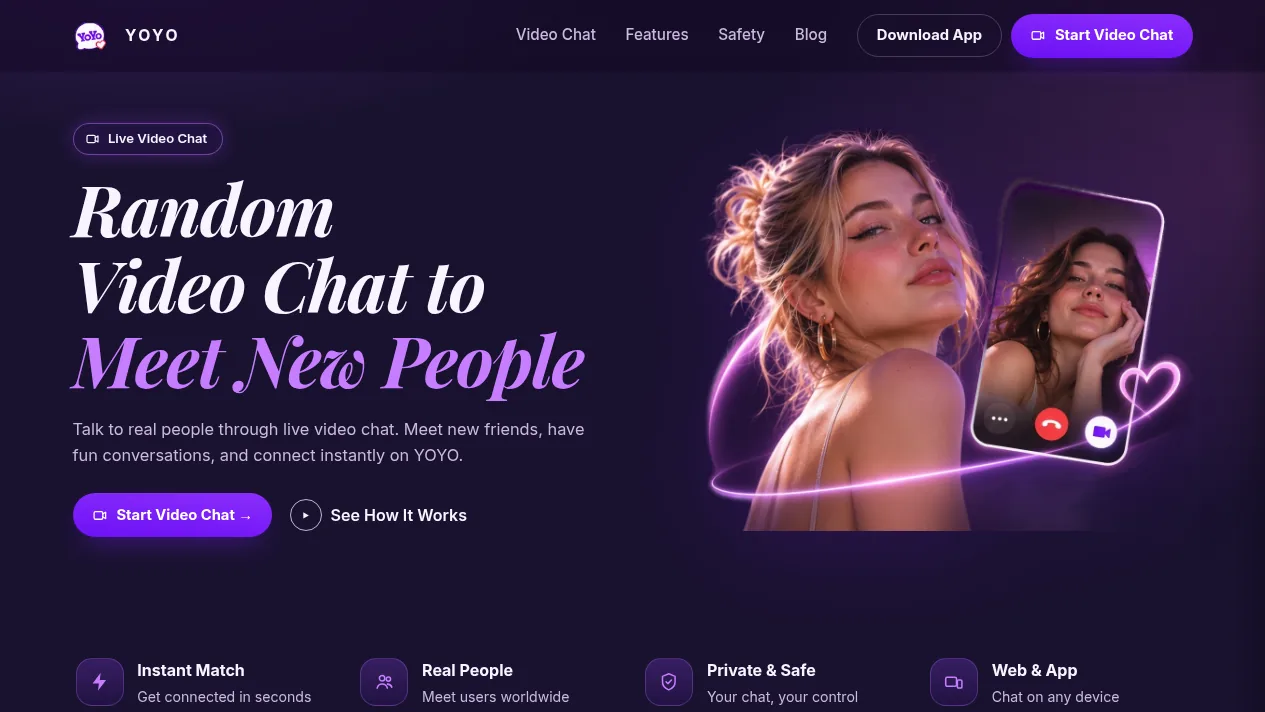
That distinction matters: an app can be good at instant surprise yet less appealing when you want to settle into a conversation. On YOYO, the starting point is to explore the available Web experience, not to assume every App feature or price applies in the browser. Explore YOYO on the Web.
2. Kiss Live Chat: choose a person, then say hello
Kiss is the clearest fit here for people who want control before the call. Its Web experience lets visitors browse available people, use language or country discovery options, and start a 1-on-1 video conversation. The official website states that each new 1-on-1 call includes an initial 60-second free period, while continued calls use coins. Check the on-screen terms before you continue.
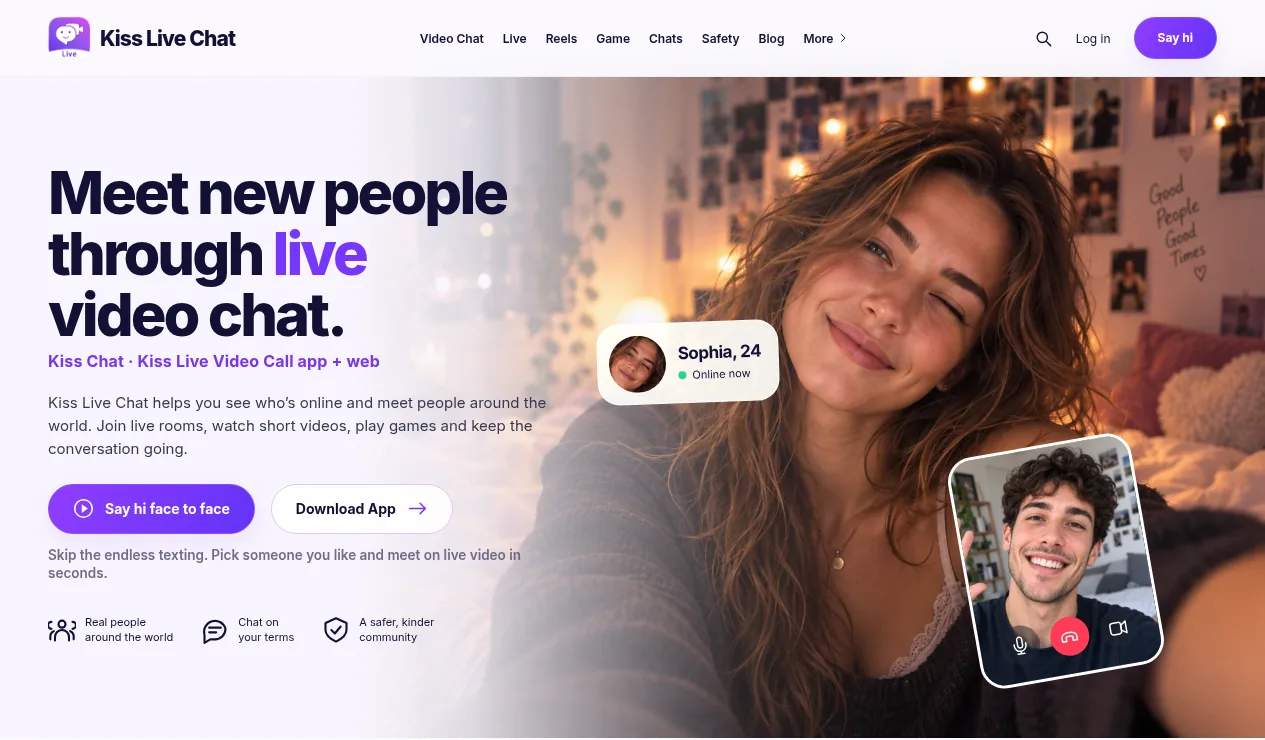
You do not have to love an endless random feed to enjoy video chat. Try Kiss on the Web if choosing a person first sounds better.
3. LiveGo: explore a more social setting
If what you liked about Monkey was the energy of meeting new people, a social-first platform may be more fun than another direct-call clone. LiveGo is one to compare for its Web social experience. Look at the rooms and interaction modes currently available, then decide whether you prefer that environment or a private one-to-one conversation.

The experience can differ between Web and mobile apps; use the live Web interface rather than an older app description as your reference. Explore LiveGo on the Web.
4–7. Chatroulette, Camsurf, OmeTV and Azar
Chatroulette remains an obvious choice for the classic roulette format. Its official website emphasizes instant random conversations and moderation. It works best when surprise, not profile selection, is the point.
Camsurf is a straightforward browser-first alternative. On the official Camsurf site, camera access and a Start button are central to getting matched; location and language filtering options are also described. If you want a simple test of random chat on your laptop, it is an easy format to understand.
OmeTV appeals to people who already know the familiar next-match rhythm. Check the current authentication and moderation details instead of assuming the steps are identical on every device.
Azar is frequently compared with Monkey because of international video discovery. If your priority is a browser session without installing anything, verify the exact Web flow first; some app-oriented features do not transfer directly to Web.
Choose by the feeling you want, not just the feature list
If you only have five minutes, a random matching site can be entertaining: start, talk, move on. If you want to speak to a particular person, start with profile-led discovery. If you want a more active, social atmosphere, try an experience built around people being present together. None of these preferences is wrong; they simply lead to different tools.
Before paying for any platform, make two checks: how much of the conversation is included at the beginning, and what precisely triggers a charge. “Free to start,” “free to download,” and “unlimited free calls” are not the same promise. Our free-versus-paid video chat guide explains the difference.
FAQ
What is the closest Monkey alternative?
For the random-video rhythm, start by comparing Chatroulette, Camsurf and OmeTV. For a different way to discover someone to talk to, compare YOYO or Kiss.
Can I use Monkey alternatives in a browser?
Some offer direct browser entry, including Chatroulette and Camsurf. YOYO, Kiss and LiveGo have Web experiences to explore. Specific access steps and features can vary, so follow each platform's current Web entry.
Is a Monkey alternative automatically free?
No. Some platforms offer a free start but charge for longer calls, filters or other options. Read the price shown at the moment you select the feature.
Are these platforms only for dating?
Not necessarily. Many people use video chat for casual conversation, curiosity and meeting people from other places. The atmosphere varies substantially by platform.
Which option is best for a slower conversation?
Try a platform where you can browse or choose before connecting rather than one built entirely around quickly skipping random matches.
The next chat is yours to choose
You can keep the spontaneous part of Monkey without keeping every part of its experience. Try a couple of styles and notice what changes: the pace, how much control you have, and whether you feel like staying in the conversation. Explore YOYO Web, or compare video chat sites before choosing.